
Can You Copy and Paste in the PTE Exam? What Is Allowed [2026 Guide]
![Can You Copy and Paste in the PTE Exam? What Is Allowed [2026 Guide]](/blog-covers/can-we-copy-paste-in-pte-exam-2026/cover-en.png)
The question looks simple until you ask what is being copied. Can you move words around inside the answer box, or do you mean pasting a prepared answer from a phone, a web page, or a document? Those are very different actions in the PTE exam.
Here is the short answer. You can use the Cut, Copy, and Paste functions provided in the official text response area, but that does not give you permission to bring outside answers, notes, or assistance into the test. You can edit your own response. You cannot copy your way around test security.
That distinction matters because both actions may look like a single click. One is normal editing inside the task. The other imports material from outside the controlled test environment. Let’s separate them before a harmless editing button makes you nervous, or a risky shortcut looks harmless.
01 You can use copy and paste inside the response box

Pearson’s current PTE Academic question-type pages show Cut, Copy, and Paste controls in text response tasks such as Summarize Written Text, Summarize Spoken Text, and Write Essay. The controls are there for ordinary editing. You can remove a phrase, move wording, or place a word in a better position after you have typed your response.
This is particularly useful for Summarize Written Text. You may write a complete sentence first, then notice that one clause is too long or that a connector sits in the wrong place. Selecting your own words and moving them within the response box is much like editing in a basic text editor, except that the clock is running and the task has its own response rules.
Write Essay works in a similar way. You can type your argument, return to remove repetition, correct spelling, and check the word count before moving on. Copy and paste can make editing faster, but they do not create an idea, improve your grammar, or turn a memorised paragraph into a suitable answer.
Some candidates worry that pressing Paste automatically looks like cheating. It does not make sense to treat every normal edit as suspicious. If the text was written by you during the current task and you are using the editing controls in the permitted response area, you are using part of the test interface as intended.
The test-day screen and the administrator’s instructions still come first. Practise finding the controls, but do not assume that a third-party mock-test interface is identical to the Pearson system. During the real test, follow what is displayed and avoid unnecessary experiments with shortcuts.
02 A paste button does not allow outside answers
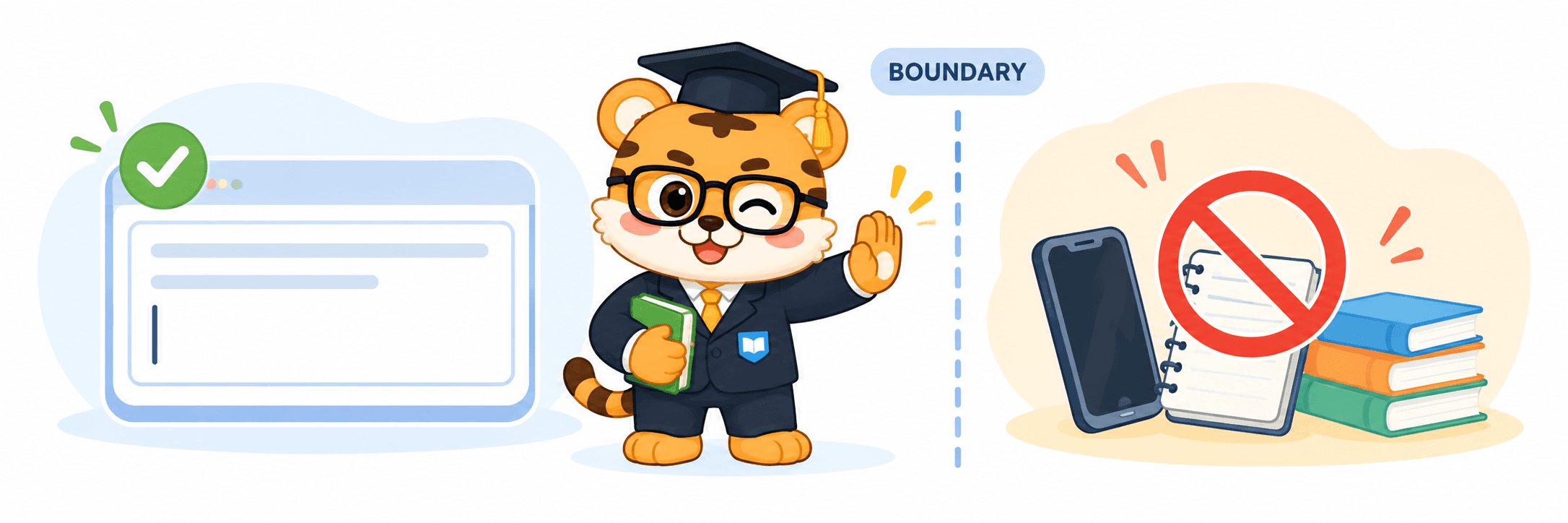
This is where the real risk begins. Pasting a sentence that you just wrote in the response box is not the same as pasting from a phone, browser tab, chat message, cloud document, or prepared answer file. The screen may show the same action, but the source is completely different.
The official test is designed to measure your English in a controlled environment. Phones, books, personal notes, and other electronic devices are not items you can simply keep beside you in the test room. Test centres also use identity checks and security procedures. You cannot ask another person to help, use outside material, or copy test content and answers for later use.
That is not an arbitrary inconvenience. If one candidate can place a prepared essay or summary in the clipboard before the task begins while another candidate must write from scratch, the two people are no longer completing the same assessment. The computer is only the answer device. The protected part is the test content, the response process, and the credibility of the score.
When you are unsure, ask yourself three questions. Did I create this text during the current task? Am I using it inside the official response area? Did it come from material that the test rules allow me to use? If any answer is no, stop and follow the administrator’s instructions instead.
For Summarize Written Text and Summarize Spoken Text, you can organise the sentence you have typed after reading or listening. You cannot paste a ready-made summary from somewhere else or copy a passage as if it were your own response. For Write Essay, you can edit your own paragraphs, but a universal essay stored outside the test is not a safe shortcut.
Someone may ask how the system would know where the text came from. That is the wrong question to build your test strategy around. Test rules are not an invitation to search for gaps in monitoring, and a suspected violation can create much bigger problems than a few saved seconds. Spend that time on sentence control instead.
03 Treat copy and paste as an editing tool

I would practise this as a small editing habit, not as a score trick. Write your response quickly, use Cut or Copy once to remove repetition or move a phrase, then check the opening, connectors, spelling, and word count. The goal is not to become faster at clicking. It is to become better at deciding what should stay.
For the current PTE Academic format, Pearson’s pages list a 5-to-75-word response for Summarize Written Text, a 50-to-70-word response for Summarize Spoken Text, and a 200-to-300-word response for Write Essay. Formats and instructions can change, so follow the live test screen and official guidance on the day. A Paste button will not fix an answer that is too long, too short, or written in the wrong form.
At home, try two rounds. In the first round, write without pausing and get the main idea down. In the second round, give yourself two minutes to edit only for repetition, logical links, grammar, and word count. That kind of practice builds judgement, not just mouse speed.
If you want to keep text practice, speaking recordings, feedback, mock tests, and review in one workflow, YoushowPTE is one platform you can explore. It is an online preparation platform for PTE Academic candidates, with practice across speaking, writing, reading, and listening, AI feedback for speaking and writing, practice records, mini mock tests, full mock tests, and learning data for weaker areas. The official website is https://pte.youshowedu.com/en. Its feedback and mock results are for preparation, not Pearson scores, and they do not guarantee a final result.
The safest approach is to decide the boundary before test day. Practise the response box, word counter, and editing buttons in advance. During the exam, use only the current system and permitted materials, and ask the test administrator if the interface behaves differently from what you expected. Do not let a habit from a practice website become outside input in the real test.
So the answer can be reduced to one sentence. You can cut, copy, and paste your own words inside the official PTE response area, but you cannot bring in outside answers, notes, or help. Copy and paste is an editing feature. Your score still depends on understanding the prompt, organising ideas, and producing a response that follows the task rules.
Try one Summarize Written Text task today. Write the answer once, then give yourself two minutes to edit it. The Paste button is not very mysterious after all. The boundary around it is the important part.
That is all for today. If this was useful, feel free to leave a like. Thanks for reading, and I will see you next time.

Put this guide into practice with WE
YoushowPTE provides AI smart scoring, massive real exam questions, and full mock exam system to help you pinpoint weaknesses, improve scores efficiently, and reach your target score with ease.
- AI Speaking & Writing Real-time Scoring
- High Hit-rate Real Question Bank
- Full Mock Exam Restores Real Test Experience
- Free Sign Up, Start Practicing Now